Introduction
You pull into an unfamiliar parking lot. Which entrance is yours? Where's the elevator? Is that door even open to the public? Small moments of doubt like these cost people time. In hospitals, worksites, and ski areas, they can cost safety.
Staff feel it too. A 2025 US survey of 301 hospital employees found they spend about 30 minutes a week helping lost visitors, according to a HERD study. Nearly 44% reported incivility from frustrated people.
Wayfinding is the coordinated system of signs, maps, symbols, landmarks, and sometimes digital tools that fixes this. This guide covers what it is, the main sign types, where it's used, what makes it work, and how to plan one.
Key Takeaways
- Wayfinding is a coordinated system, not a pile of individual signs.
- Identification, directional, informational, regulatory, and reassurance cues each answer a different question.
- Readability, placement, consistency, accessibility, and materials decide whether it works.
- A site-specific plan beats ad hoc sign orders.
What Is Wayfinding?
Wayfinding is the process and system of helping people understand their surroundings, choose a route, follow it, and confirm they're headed the right way. The Bureau of Land Management's National Sign Handbook describes four stages of the journey.
The four stages
- Orientation: Where am I relative to my destination?
- Route selection: Which path do I take?
- Navigation: Am I still heading the right way?
- Confirmation: Have I arrived?
Picture arriving at a ski base area. A "you are here" trail map orients you, a directional sign points toward the lift, reassurance signs confirm the route, and a lift identifier tells you that you've arrived.
System versus single sign
One directional sign is only one piece. A full system ties several elements together:
- Identification signs and destination labels
- Maps, directories, and arrows
- Landmarks, pavement markings, and reassurance signs
At Alta, for example, stacked dark-blue panels with yellow arrows point to Wildcat Base, Albion Base, and the ski shop. The same stack also flags terrain levels, the ski school, and the Nordic Center.

Wayfinding, navigation, and signage
- Navigation is the act of finding a route.
- Signage is one communication tool.
- Wayfinding is the broader system and experience that supports both.
Physical and digital, one visual language
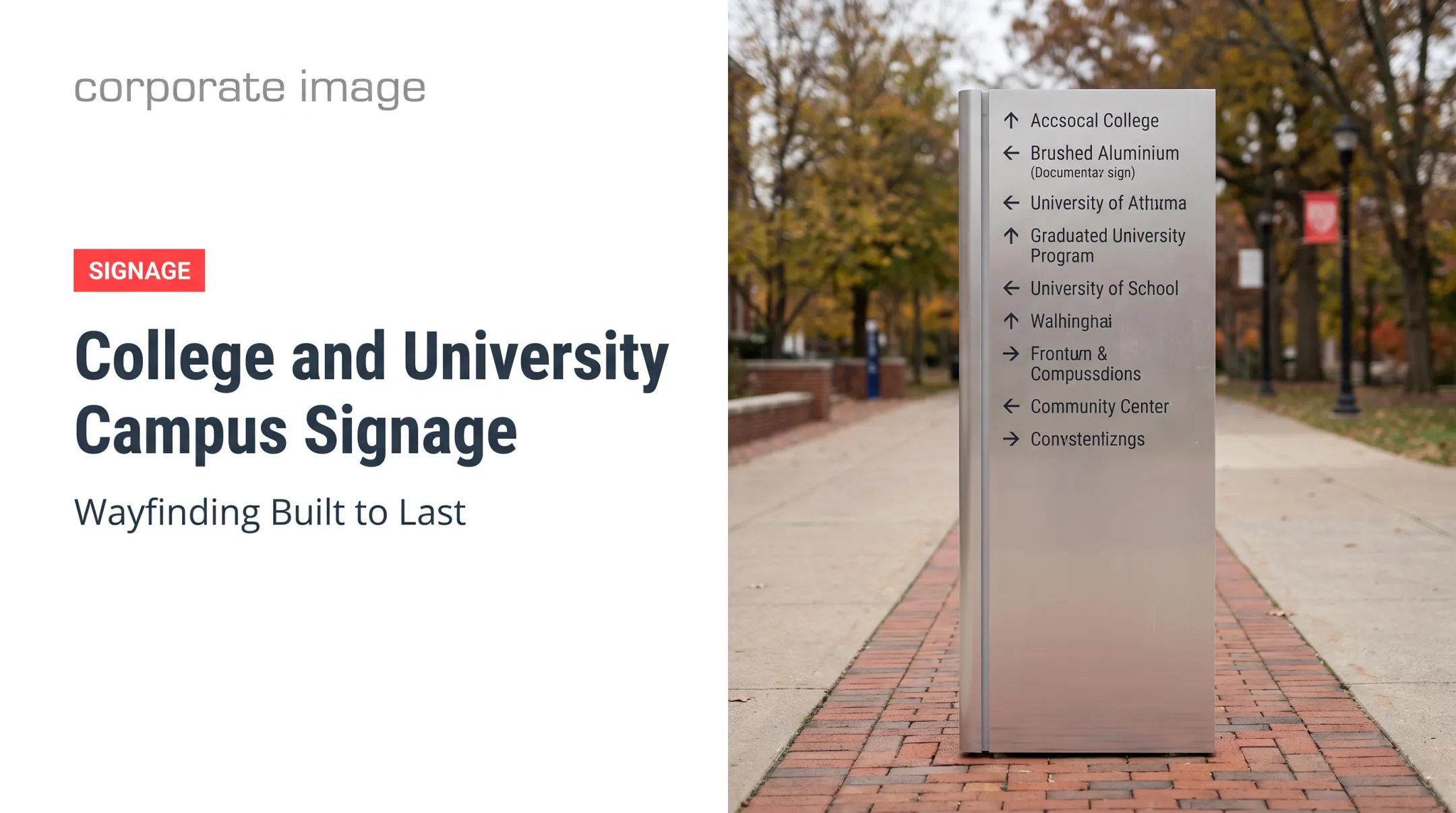
Systems can combine signs, color zones, floor graphics, maps, mobile directions, and digital displays. Consistency is what holds them together. NJIT's 2018 wayfinding guidelines require destination names to stay the same across communications and printed maps to match web and digital maps.
What Are the Main Types of Wayfinding Signage?
Each type answers a question: "Where am I?", "Which way do I go?", "What is here?", and "What rules or risks should I know?"
Identification signs
These cover entrances, building names, trailhead signs, room identifiers, landmark labels, and zone markers. They establish location and identity. A Strawberry trail sign that names the run is a clear example.
Directional signs
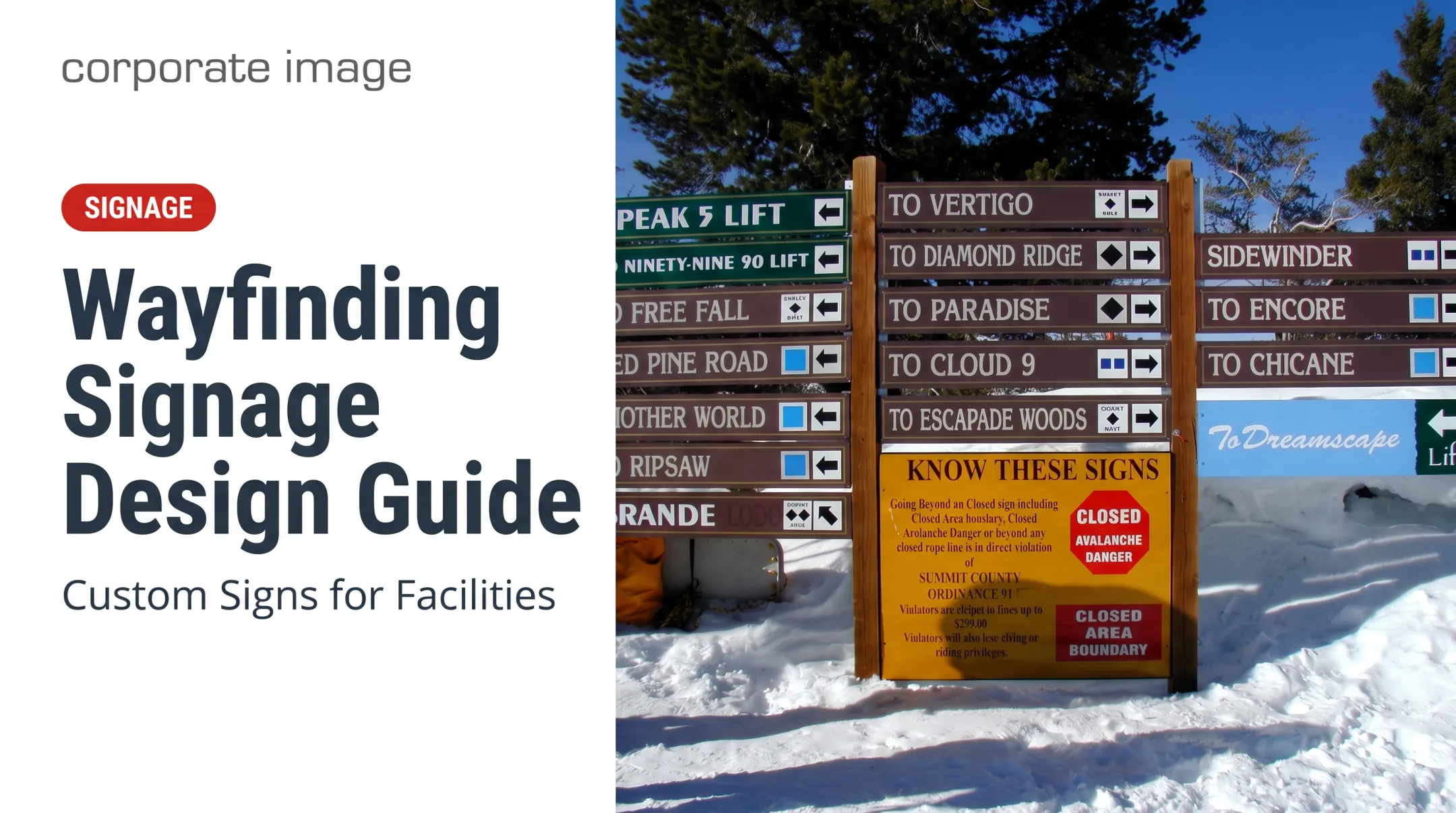
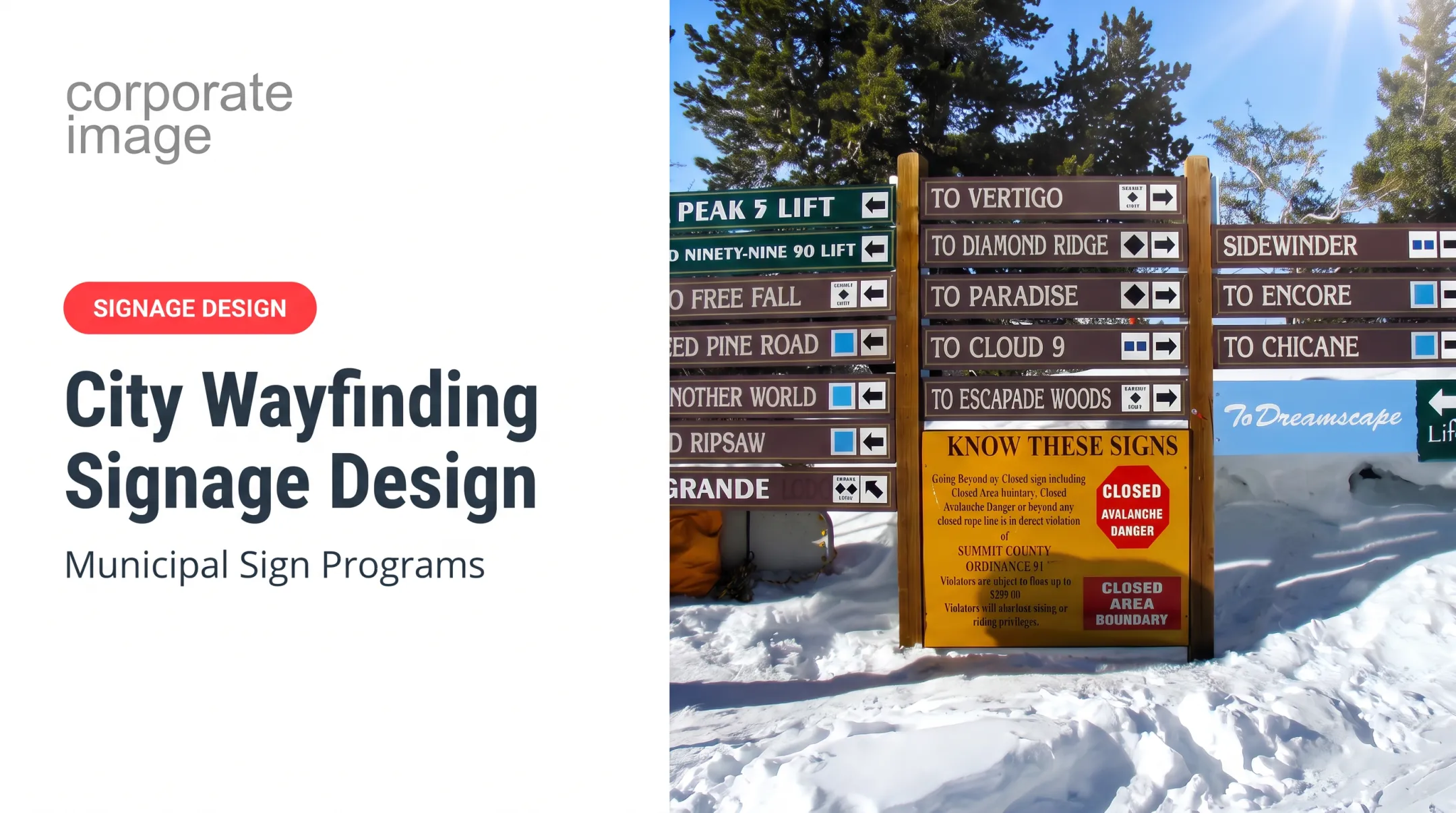
Arrows, fingerposts, corridor signs, overhead signs, parking signs, and trail markers guide people at intersections and turns. Directions must appear before a decision point, not after it. A ski-resort signpost with colored arrow panels for "Easier Way" and "Return to Collins" does exactly this.
Informational and interpretive signs
Directories, maps, schedules, amenity signs, and educational panels give context. A Snowbasin resort map uses a color-coded legend for trail difficulty, lifts, ski patrol, restaurants, and restrooms. A Sun Valley kiosk pairs trail maps with current conditions like groomed runs, open lifts, and weather.
Regulatory, safety, and reassurance signs
These communicate restrictions, warnings, closures, emergency information, accessible routes, and confirmation that you're on the right path. They matter most in public facilities, worksites, resorts, parks, and trails.
- Ski area boundary signs: "No ski patrol or avalanche control beyond this point."
- Avalanche gate boards listing OPEN or CLOSED status by area
- Trail markers reconfirming identity between junctions
The US Forest Service trail design guidance separates junction directions from reassurance markers, because choosing a route and confirming it are different needs.
Why Is Wayfinding Important, and Where Is It Used?
Clear wayfinding delivers practical gains:
- Reduces uncertainty and prevents backtracking
- Supports safer movement through facilities
- Builds visitor confidence
- Cuts repeated questions for staff
Hospital wayfinding surveys are often self-reported, so treat them as evidence of staff burden rather than guaranteed cost savings.
Where it shows up
- Hospitals: Texas Children's found that large geometric floor markers weren't recognized as wayfinding because signs didn't reinforce their color and form.
- Campuses: NJIT coordinates map names and coded sign documents.
- Airports: SFO's program covers printed maps, flight displays, and gate renumbering.
- Retail and resorts: Parking-complex directionals and Anaheim's unified resort district signage.
- Government and recreation: Field-office sign plans, ski resorts, parks, and trail networks.
- Offices and commercial buildings: Systems that direct employees and customers while supporting brand image.
Broader benefits
A coordinated system delivers consistent branding, more accessible visits, better traffic flow, and protection for restricted areas. It also clearly connects parking, entrances, amenities, destinations, and exits.
What Are the Requirements for Effective Wayfinding Signage?
Start with a site and user assessment. Map the factors that shape how people move and read signs:
- Who uses the space, including mobility and vision needs
- Common destinations and confusing areas
- Traffic patterns and decision points
- Viewing distances, lighting, and weather exposure
Visual design and readability
- Use high contrast, simple language, and clear arrows.
- Choose legible, non-decorative type at a size matched to viewing distance.
- Pick non-glare finishes and a restrained color palette.
- Use recognizable symbols and adequate spacing.
- Test each sign from the distance and angle where people will actually meet it.
For outdoor traffic-style signs, the FHWA's MUTCD guidance recommends about 1 inch of letter height per 30 feet of legibility distance. That's a benchmark, not an indoor ADA rule.

Placement and consistency
Place signs at entrances, intersections, turns, and route changes with enough advance notice to act. Keep these elements uniform across the site:
- Mounting heights and orientation
- Arrow logic and terminology
- Colors, icons, and destination names
Accessibility and compliance
ADA requirements depend on sign purpose. This is not legal advice; confirm state, local, building, and fire requirements with your authority having jurisdiction.
| Sign purpose | 2010 ADA Standards |
|---|---|
| Permanent room identification | Tactile characters and braille (216.2) |
| Directional and informational | Visual character requirements (216.3, 703.5); tactile and braille generally not required |
| Exit-door identification | Tactile identification (216.4.1) |
| Accessible entrances | Accessibility symbols and directions (216.6) |
Tactile characters mount 48 to 60 inches above the floor, measured to character baselines. The ADA sets no numeric color-contrast ratio. Egress signs fall under building and fire codes, and hazard signs may fall under OSHA or ANSI Z535 rules.
Materials, fabrication, and maintenance
Match substrates, finishes, and hardware to UV, moisture, temperature swings, contact, vandalism risk, and cleaning needs. Treat materials as part of message clarity, not an afterthought. A sign no one can read after one winter has failed.
Product data needs care, too. 3M lists a 10-year expected life for one unprinted film under specific conditions, but it isn't a finished-sign warranty. Ask any fabricator what a finished sign is rated for.
How to Plan and Implement a Wayfinding System
Follow this sequence:
- Audit the site and inventory existing signs.
- Map destinations and decision points.
- Build a sign schedule that links each code to location and message.
- Define the visual system: colors, type, icons, naming.
- Draft messages and arrows for every decision point.
- Review accessibility and applicable codes.
- Prototype key signs and test them.
- Install the system per the approved schedule.
- Evaluate confusing spots after launch and adjust.

What a sign schedule documents
NJIT plots signs on plans with unique codes, then keys a message schedule to those codes. Yours should record:
- Sign type and location
- Destination wording and arrows
- Viewing direction and dimensions
- Mounting method and materials
- Accessibility considerations
- Installation responsibilities
- Maintenance and replacement needs
Choose a coordinated partner
Consistency suffers when design, production, and installation sit with different vendors. One team that owns the full path keeps naming, materials, and placement aligned.
Corporate Image provides custom signage design, production, and professional installation using 3M materials and 3M-certified installers for commercial, public-sector, ski resort, and industrial environments.
Frequently Asked Questions
What are the main types of wayfinding signage?
Identification signs name places. Directional signs guide decisions. Informational and interpretive signs provide maps and context. Regulatory and safety signs communicate rules, hazards, and closures.
What are the requirements for wayfinding signage?
Requirements start with user and site analysis, readable design, and placement at decision points. Consistency, accessibility, codes, durable materials, and maintenance also matter. Exact needs vary by setting and sign type.
What are examples of wayfinding trail signage?
Examples include trailhead maps, directional fingerposts, blazes and markers, mile markers, reassurance signs, destination signs, regulatory notices, closure warnings, and interpretive panels.
What is the difference between wayfinding and signage?
Signage is one tool. Wayfinding is the full system of signs, maps, landmarks, markings, digital tools, and information that helps people navigate.
Where is wayfinding used?
Hospitals, campuses, offices, airports, retail properties, public facilities, resorts, parks, trails, and commercial buildings all rely on it.