This guide is for businesses and organizations that need durable branding, identification, safety, fleet, equipment, or outdoor graphics. Process choices shape appearance, adhesion, legibility, and service life, and the method is often cited as "durable" without much explanation of why.
Below: how the process works, where it's used, what drives quality, and when another method fits better.
Key Takeaways
- Ink goes directly through a stencil onto vinyl, usually with one screen per color.
- Screen printing earns its place when opacity, durability, and repeatability matter.
- Vinyl, adhesive, ink, curing, finishing, and surface prep all affect performance.
- Digital printing or cut vinyl often wins for short runs, photos, or single-color work.
What Are Screen-Printed Vinyl Decals, and Where Are They Used?
Definition and intended outcome
A screen-printed vinyl decal is adhesive vinyl carrying a design printed through a mesh screen and stencil, then cured and converted into the required shape or format. The goal is a legible, consistent graphic that sticks to its surface and survives the handling or weather it will face.
Screen printing compared with related methods
Cut vinyl graphics are made from colored film that is cut and weeded. Digitally printed decals reproduce artwork straight from a file.
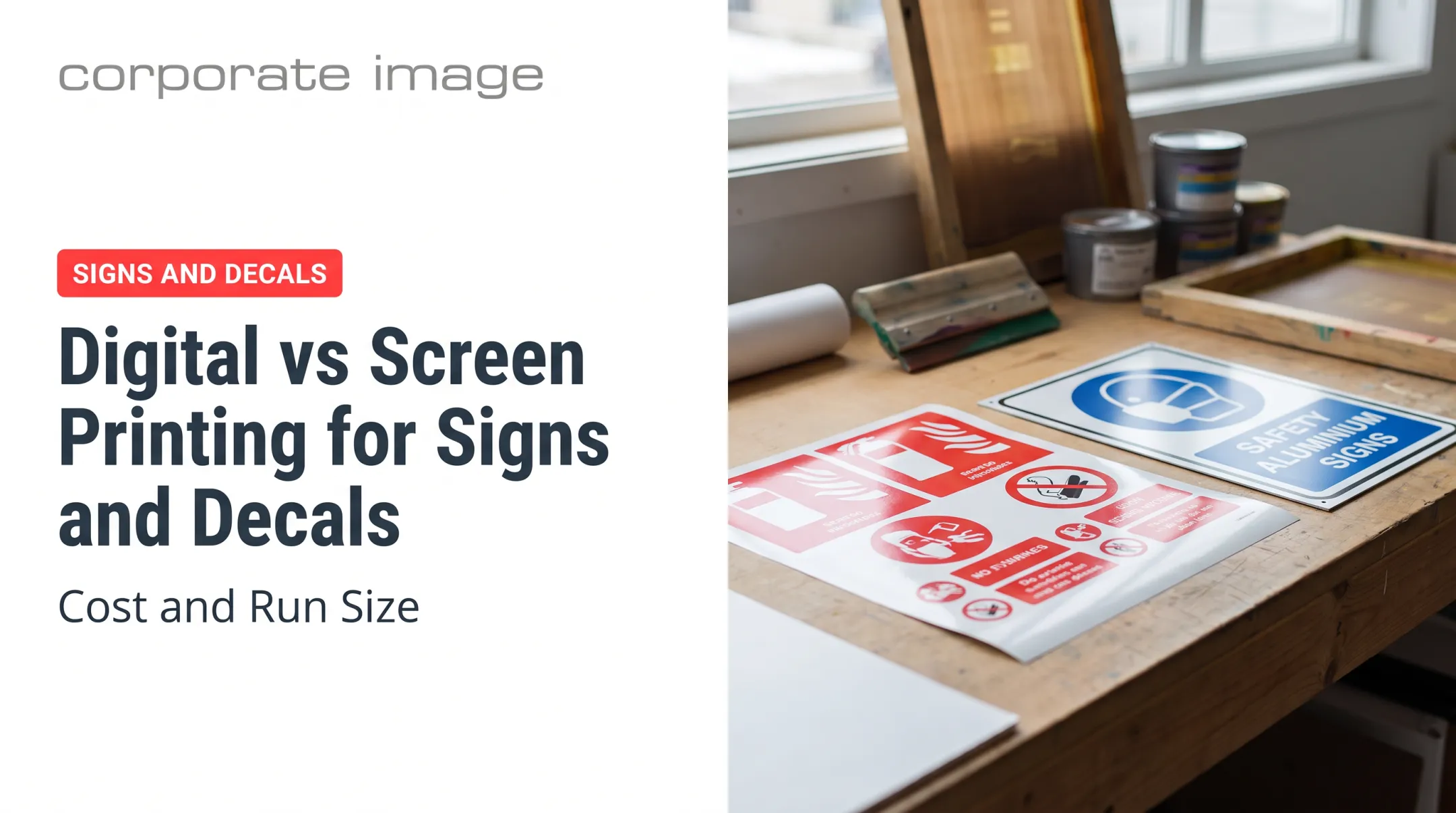
Screen printing delivers bold spot colors, strong opacity, and repeatable production. FESPA's comparison notes thicker ink deposits and stronger opacity as practical advantages. Digital generally handles photographs and variable artwork better. Screen printing can still handle multicolor work: Corporate Image produces up to 6-color images and half-tones.
Applications and reasons for use
Common uses include:
- Equipment and machinery labels
- Warning and safety decals
- Branded fleet graphics
- Product identification
- Parking and license-plate decals
- Hard-hat decals and hazard markings
- Resort and recreation graphics
- Durable promotional stickers
Those environments often bring sunlight, moisture, abrasion, cleaning chemicals, temperature swings, and constant handling.
Corporate Image, a Salt Lake City graphics company with over 30 years of experience, produces screen-printed decals for manufacturers, fleets, ski resorts, and municipal agencies. For coordinated graphics across vehicles, equipment, windows, and buildings, it combines design, production, and installation by 3M-certified installers.
How Screen Printing Vinyl Decals Works
Screen printing vinyl decals follows a clear production path. Artwork is prepared and separated, a stencil is made for each color, and ink is printed onto vinyl. Each layer is dried or cured, the sheet is finished as specified, and decals are cut, inspected, and readied for application.

Step 1: Prepare artwork, color separations, and the vinyl
Artwork is reviewed for spot colors, fine detail, registration, bleed, safe areas, die-cut contours, and viewing distance. A proof or color approval is recommended when color matching or legibility is critical, such as safety labels or brand colors.
Vinyl and adhesive choice depends on the surface, indoor or outdoor exposure, flexibility, removability, temperature, and handling. Cast films suit complex, long-term work; calendered films suit short-term campaigns, per 3M's fleet guidance. Mactac's Printvinyl Scored line, for example, offers a screen-printable 3.2-mil white vinyl with either permanent or ultra-removable acrylic adhesive.
Step 2: Create screens and print the design
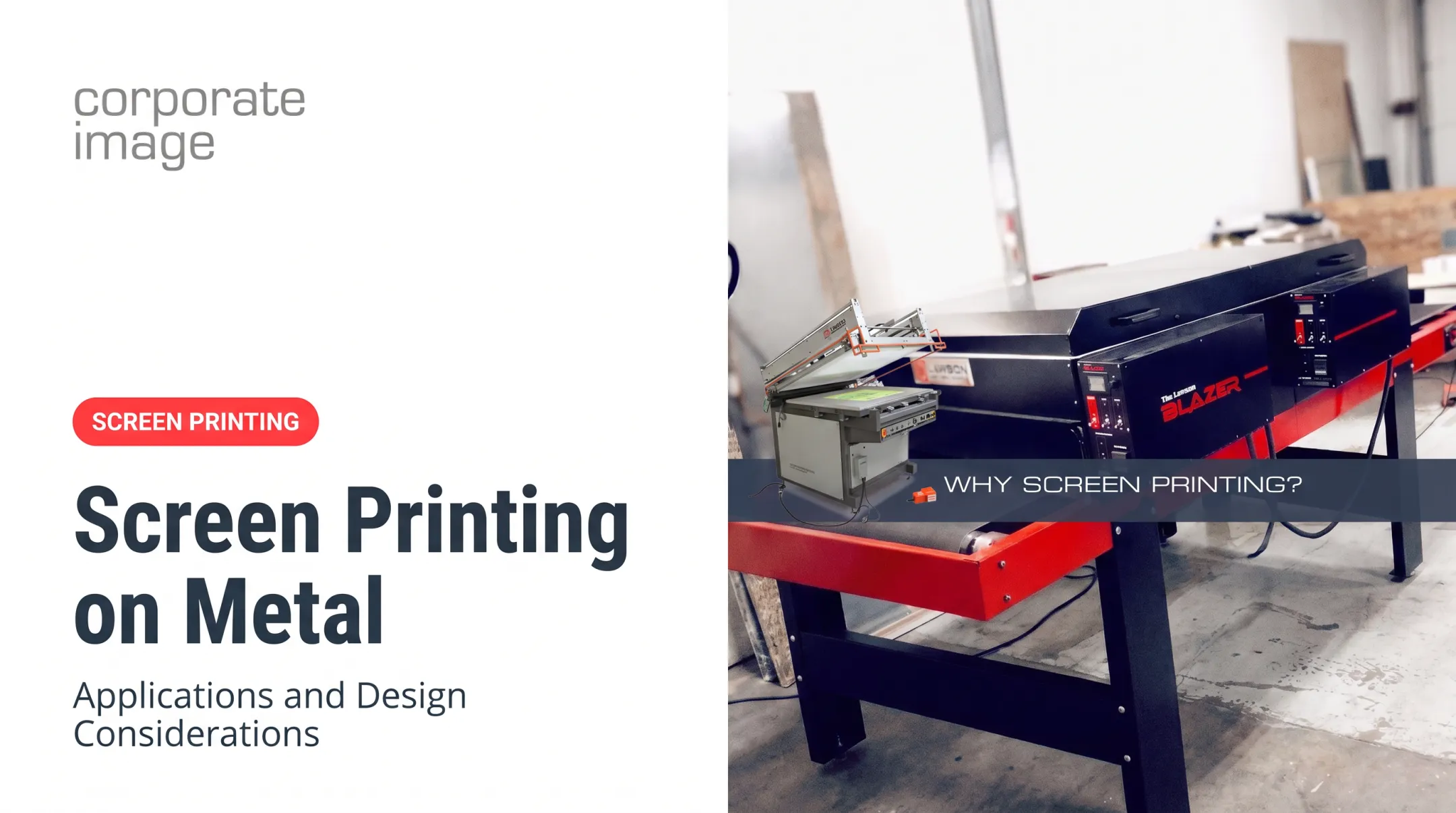
Each color is output as a film positive. Each screen is coated with emulsion and exposed to create the stencil. A squeegee then pushes ink through the open mesh onto the vinyl.
Each color generally needs its own screen and pass. Registration, ink coverage, squeegee settings, and print order drive sharpness, opacity, and consistency. Nazdar's S2 solvent ink, for example, specifies 230-305 tpi monofilament polyester mesh and 70-80 durometer polyurethane squeegees.
Step 3: Cure, finish, cut, and inspect the decals
Curing or drying anchors the ink. The ink and curing method must suit the substrate, so manufacturers call for pretesting. Typical routes differ:
- Solvent inks: Nazdar S2 dries in roughly 40 seconds in a jet dryer at 120-150°F; multilayer prints take longer.
- UV inks: Nazdar 3600 needs specified UV curing, with full ink adhesion developing within 24 hours.
- Two-component inks: Marabu reaches full resistance in 7 days at 68°F air drying.
Finishing options include liquid clear coats, overlaminates, and specialty finishes. Then comes die-cutting (through film and liner) or kiss-cutting (film only, liner intact). 3M's cutting bulletin warns that cuts too deep split liners, while cuts too light impair weeding.
Final inspection checks color, registration, adhesion, scratches, missed areas, and cut accuracy.
Key Factors That Affect Quality and Performance
Materials and substrate selection
Face-film flexibility, thickness, finish, adhesive chemistry, and compatibility with the target surface all affect print quality and long-term bond. Low-surface-energy plastics like polypropylene and polyethylene need films selected through adhesion testing. Corporate Image offers solutions for these plastics and for textured painted surfaces.
Ink, color, and finish
Ink type, opacity, color matching, deposit thickness, and curing method shape appearance and resistance. Screen printing deposits far more ink than digital, which supports color vibrancy over time. Hand-mixed inks can match exact colors, and translucent inks let reflective 3M material show bright color at night.
Protection varies by ink system:
- 3M 9800 requires a protective liquid clear.
- Nazdar 3600, full strength and properly cured, permits use without overprint clear.
- Nazdar S2's qualified benchmark is 3 years outdoors, vertically mounted, on premium cast vinyl, with clear recommended. That is not a lifespan for every vinyl.
Equipment and production controls
Mesh, stencil quality, press setup, squeegee pressure, registration, print order, curing equipment, and operator skill determine consistency across a run. 3M requires appearance, abrasion, and tape-snap adhesion checks after each print pass before the next color or clear.
Surface preparation and application conditions
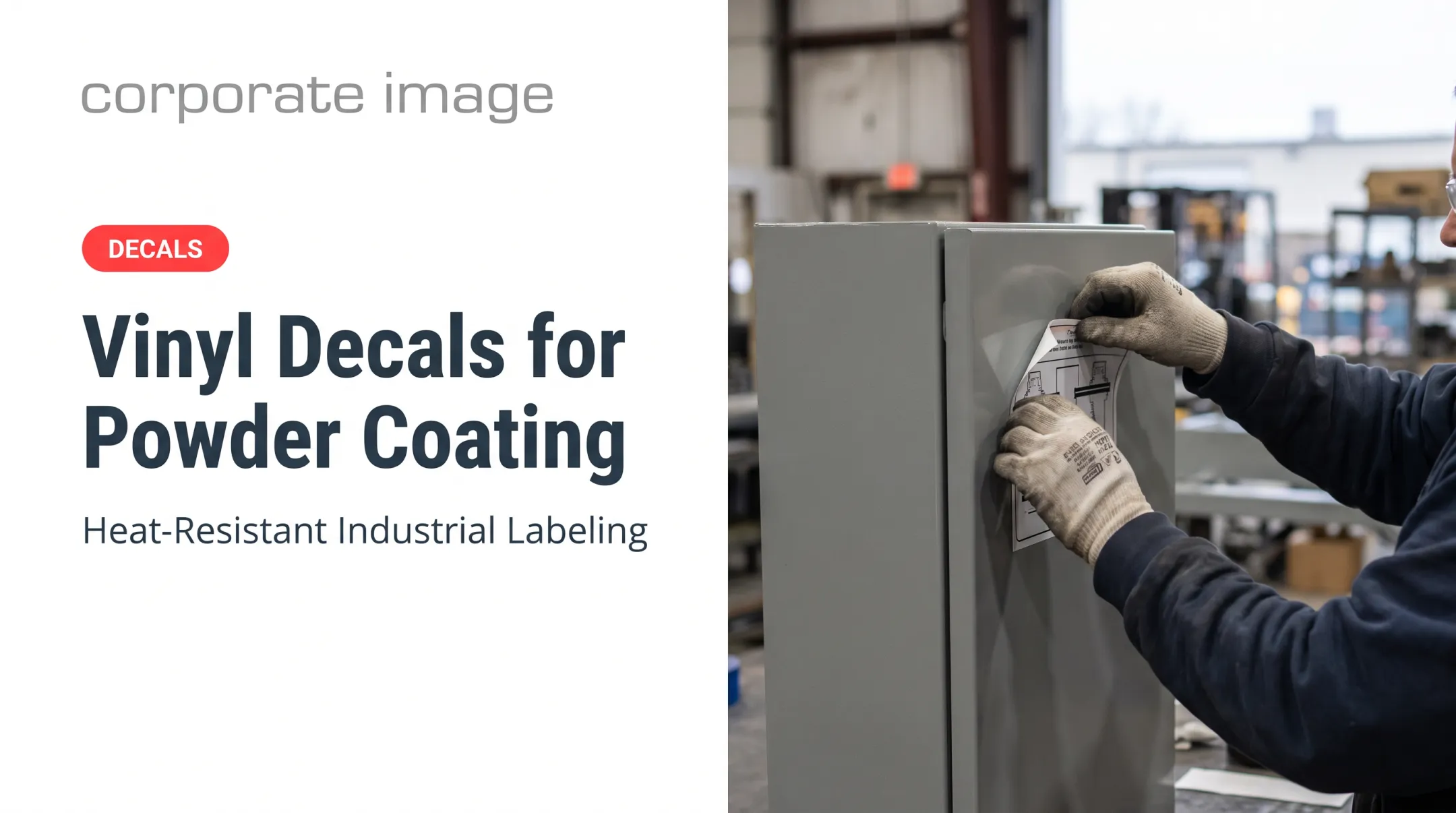
Degrease first to remove oil, wax, and silicone. 3M's final wipe uses 70% isopropyl alcohol and 30% water, dried completely. 3M's 3650 guidance calls for at least 61°F (16°C) air and surface temperature.
Bond builds with time, and no universal dwell period exists. Rivets, curves, corrugation, and seams may call for advanced films or qualified installers.

Scale, use conditions, and quality requirements
Quantity, color count, artwork complexity, variable data, exposure, replacement cost, and compliance needs all shape the spec. Screen preparation takes time and money, so longer runs spread setup. At production scale, a 10,000-piece hard-hat decal run is typically faster and cheaper by screen than digital.
Compliance is separate from durability. ANSI Z535.4 covers safety label design, not ink durability, while UL 969 evaluates complete label systems for permanence and legibility.
Common Issues, Misconceptions, and When Screen Printing May Not Be Appropriate
Common issues and misconceptions
Thick ink alone doesn't guarantee a good decal. Vinyl selection, adhesive compatibility, curing, surface prep, and application conditions matter equally.
| Issue | Manufacturer-supported cause or control |
|---|---|
| Misregistration | Liner movement; condition sheets and keep direction consistent |
| Pinholes | Dirty glass or screens, uneven emulsion, wrong exposure |
| Poor opacity | Formulation, mesh, and squeegee variables; oxidized metallic flakes |
| Ink adhesion failure | Skipped pretests; mixed ink past pot life |
| Edge lifting | Poor cleaning, wrong film, weak edge finish |
| Fading or cracking | Severe abrasion or chemical exposure; missing protective clear |
One counterintuitive note: 3M says a failed tape-snap test on its 9800 system can call for less UV energy, not more.
When another method may be better
Digital printing often fits:
- Short runs and photographic artwork
- Many colors, variable data, and frequent design changes
- Fast proofing cycles
Cut vinyl suits simple shapes, lettering, and single-color graphics. Compare total project needs rather than naming one method best.

Conclusion
The screen printing process for vinyl decals combines a prepared stencil, controlled ink deposits, compatible vinyl and adhesive, proper curing, finishing, and accurate cutting. The result is a durable printed graphic.
Good results come from matching the process to artwork, quantity, surface, exposure, and installation conditions. Don't default to screen printing; choose it when the project calls for it.
Frequently Asked Questions
Can I print onto vinyl stickers?
Yes, when the vinyl surface, adhesive, ink, and curing process are compatible. Products like 3M 3650-114 and Mactac Printvinyl Scored support screen printing. Demanding uses may need a proof or production test.
What is screen printing on vinyl?
Ink is pushed through a mesh stencil onto adhesive vinyl. Multicolor designs typically use separate screens or passes per color, followed by curing and cutting.
Are screen-printed vinyl decals durable outdoors?
They can be, when the vinyl, adhesive, ink, curing, and protective finish suit the environment. Lifespan depends on the full construction and exposure, so avoid unsupported guarantees.
What is the difference between screen-printed and cut vinyl decals?
Screen-printed decals carry ink deposited on vinyl. Cut vinyl decals use colored film that is cut and weeded. Printing handles multiple colors and logos; cutting suits lettering and simple shapes.
When is screen printing better than digital printing for decals?
It fits durable spot-color graphics, strong opacity, and repeatable, larger or recurring runs. Digital is often better for photographic, variable, or short-run artwork.
Do screen-printed vinyl decals need lamination?
It depends on the ink system, vinyl, exposure, abrasion, chemicals, and cleaning. Some systems require a liquid clear; others permit uncoated use when properly cured. Follow the manufacturer's specification.