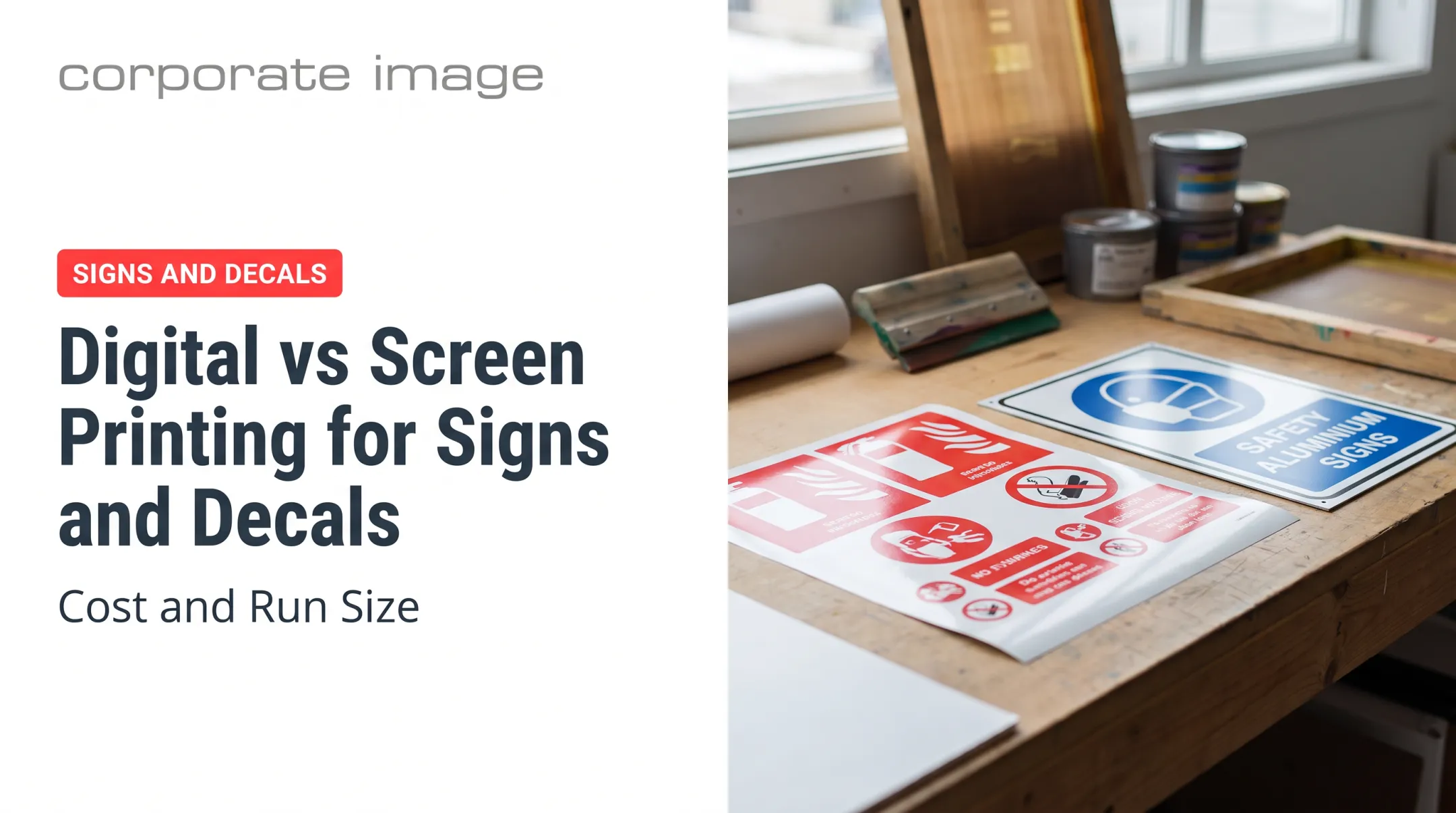
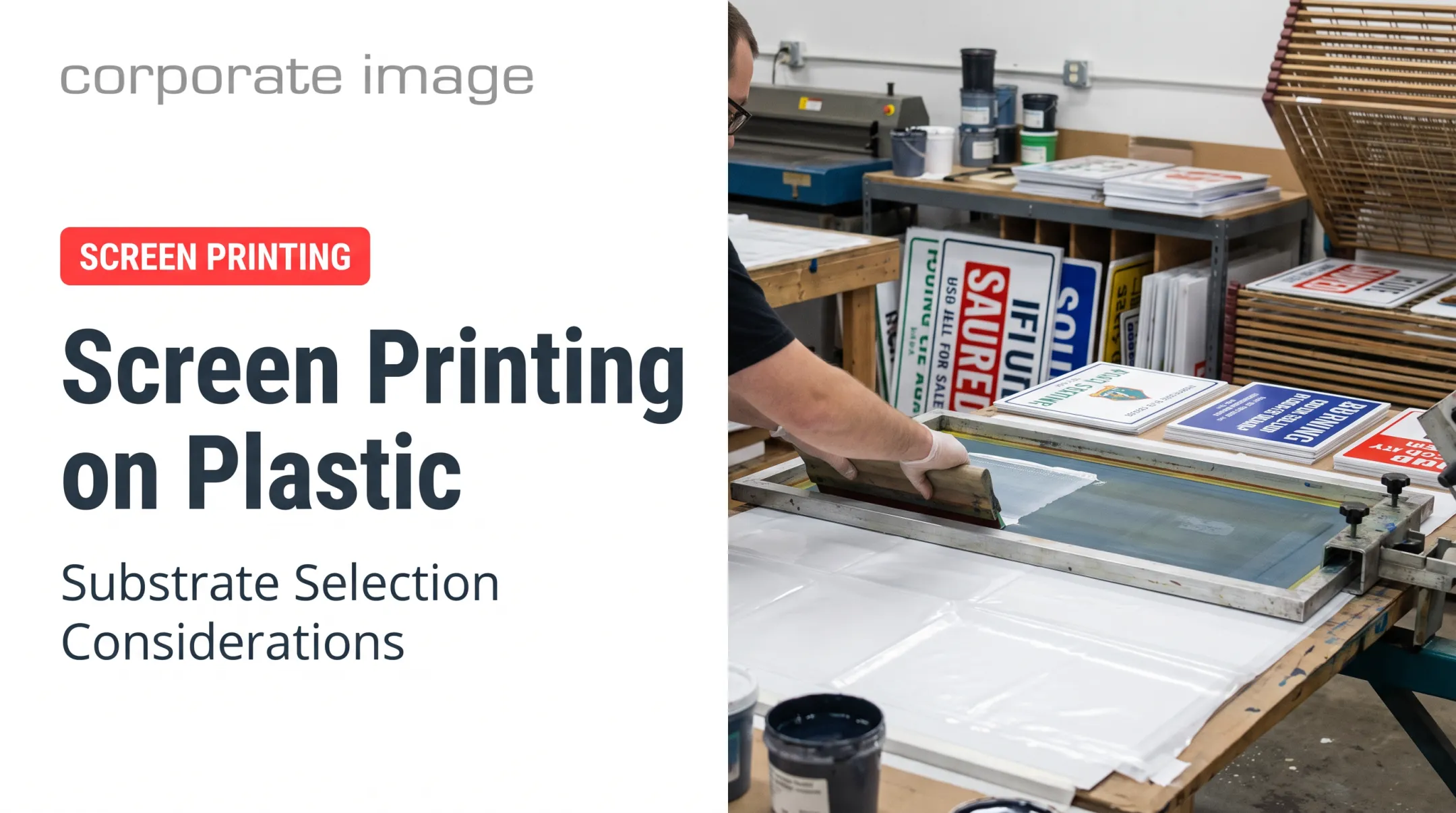
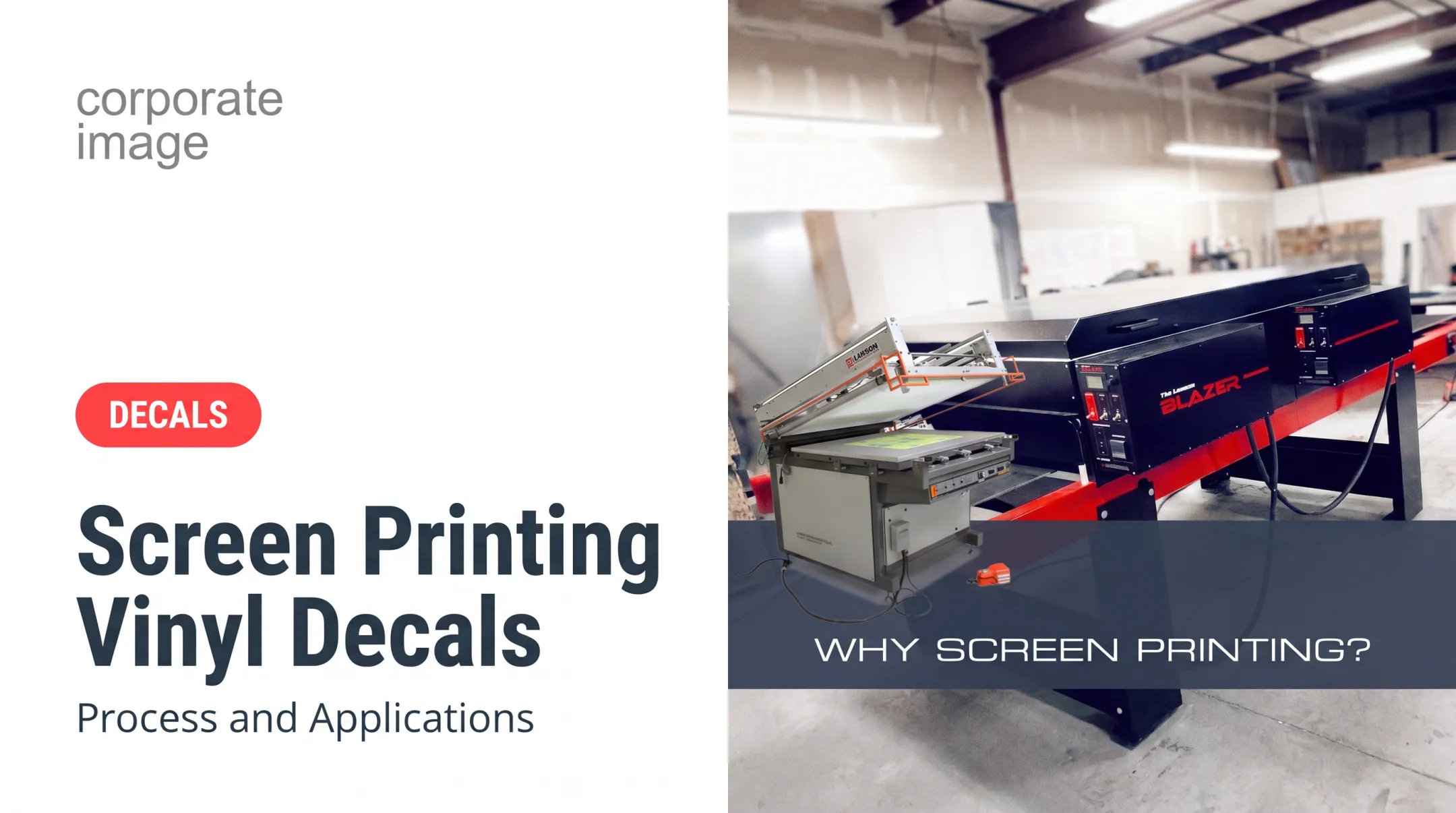
Screen printing is a stencil-based process. Ink is pulled with a squeegee across a framed mesh, and it passes through open stencil areas onto a prepared metal surface. "Silk screening" and "screen printing" mean the same method. Modern screens use synthetic mesh rather than silk.
This guide covers commercial applications, ink and metal selection, artwork prep, environmental requirements, and when another method fits better.
Key Takeaways
- Screen printing suits bold graphics, technical markings, logos, and repeat runs on properly prepared metal.
- Results depend on metal, finish, cleaning, ink, cure, and exposure.
- Artwork must account for color separation, fine lines, registration, bends, and holes.
- Compare digital UV, laser marking, engraving, and sublimation before committing.
What Is Screen Printing on Metal?
Screen printing on metal uses a mesh screen, stencil, ink, and squeegee to transfer a design onto a metal substrate. Each color typically needs its own screen or print stage. That makes registration, color order, and drying or curing control critical on multi-color designs.
Corporate Image counts metal among its most common screen-printing materials, alongside signs and equipment graphics for demanding industrial settings.
How the Screen-Printing Process Works
Production follows a set sequence:
- Prepare production-ready artwork, with a positive for each color.
- Create the stencil on the screen.
- Select and prepare the metal.
- Align the screen and apply ink.
- Dry or cure the ink.
- Inspect the finished print.

Surface Preparation
Smooth metal punishes shortcuts. Ink manufacturers such as Coates require cleaning and degreasing, plus preliminary tests, because substrates vary. Existing finishes (paint, anodizing, powder coat) must be fully cured and compatible with the ink.
Curing
Cure requirements depend on the ink system, so follow the manufacturer's technical data. Two published examples show the spread:
| Ink system | Published cure information |
|---|---|
| Nazdar ADE two-part epoxy | 5-7 days at room temperature, or roughly 10 minutes at 300-325°F for most colors |
| Marabu MaraPur PU | Final hardness in 14 days with H1 hardener or 8 days with H2, at 20°C |
No universal temperature or time exists. Dry-to-touch, stackable, and fully cured are separate conditions.
Quality Checks
Inspect for:
- Color consistency
- Registration
- Adhesion
- Legibility
- Coverage
- Pinholes and smudging
Then test resistance to the handling or exposure the part will see.
Why Businesses Use Screen Printing on Metal
- Opacity and visibility: Screen printing lays down thick, opaque ink with strong color intensity and deposits far more ink than digital. That makes it a strong choice for harsh or long-term use, though durability still depends on the ink system and exposure.
- Repeat-run economics: Screens and artwork take time and money up front. Once built, unit cost drops as quantity rises. Digital pricing stays roughly flat from 10 units to 10,000.
- Limits: One-offs, frequently changing designs, photo-realistic images, very fine gradients, and variable data usually suit another process.
"Durable" and "weatherproof" are not the same. Nazdar ADE resists chemicals and abrasion but is specified for indoor use only.
Applications of Screen Printing on Metal
Four variables drive the choice: the metal and its finish, indoor or outdoor exposure, required detail, and quantity.
Industrial Equipment, Machinery, and Control Panels
Operating instructions, warnings, control legends, and equipment IDs are printed directly on panels, enclosures, and machine parts. Corporate Image produces OEM markings for caution, warning, danger, and instruction, such as a "No Riding" warning on an automated vehicle.
- Prioritize legibility, contrast, and abrasion resistance.
- Consider chemical exposure and cleaning practices.
- Confirm whether printing happens before or after forming, powder coating, or assembly.
Electronics, OEM Components, and Enclosures
Logos, model numbers, icons, and legends go on housings, faceplates, and panels. Registration matters here because graphics must line up with switches, displays, and openings. Finish, heat exposure, solvents, and the assembly process all affect ink choice and cure.
Signs, Wayfinding, and Facility Graphics
Metal signs serve commercial properties, public facilities, job sites, and transportation settings. Ski resorts add a harsh test: on-mountain run signs, directional signs, maps, and facility ID must stay readable through snow, glare, and distance.
Before finalizing artwork, specify:
- Viewing distance and lighting
- Mounting position
- Weather exposure
- Accessibility or regulatory requirements
For reference, the 2023 MUTCD offers guidance of one inch of letter height per 30 feet of legibility distance. ADA character heights follow their own tables.
Fleet, Government, and Public-Safety Markings
Plates, equipment ID, agency markings, and safety labels need consistent visibility. Match ink, finish, and testing to sunlight, moisture, road debris, fuels, and cleaners.
Confirm agency, industry, or safety specifications first. OSHA 1910.145, ADA Section 703, and UL 969 cover different scopes, and a decorative print is not a compliance marking.
Product Branding, Promotional Items, and Decorative Metalwork
Nameplates, containers, awards, and plaques depend on logo clarity and perceived finish. Screen printing fits repeat branding and bold graphics. Full-color imagery or individually customized pieces may favor digital or transfer methods.
The same logo can need different treatment by surface. A white underbase may be needed on brushed or dark metal, where bare metal's reflectivity can block color. A polished or anodized part may call for a different opacity or prep.
Design Considerations for Screen Printing on Metal
Design is shared work between customer, designer, and printer. Artwork that looks right on screen may need changes for mesh, ink deposit, surface texture, curing, and placement.
Artwork Preparation and Color Separation
- Supply vector artwork when possible, in formats the printer confirms.
- Expect one screen or film per color.
- Review knockouts, registration marks, trapping, and overprints before approval.
- Require a proof showing size, orientation, color order, and any underbase.
Corporate Image mixes inks by hand, which allows exact color matches.
Line Thickness, Text, and Fine Detail
Minimum line weights depend on mesh count, ink, substrate texture, and the printer's process. One printer, McLoone, publishes a 0.007-inch minimum line, but that is its spec, not an industry rule. Ask your printer for theirs.
Simplify intricate artwork, enlarge critical text, and test small icons at actual production size.
Color, Contrast, and Substrate Appearance
Brushed, polished, dark, anodized, painted, and powder-coated metal each change perceived color, opacity, and contrast. A white underbase, opaque ink, or alternate background may be needed to hold brand color. Approve a physical proof when color matters, and use a recognized system such as Pantone.
Placement, Orientation, and Part Geometry
- Keep graphics away from bends, folds, seams, holes, welds, edges, and recesses.
- Leave margins for tolerances, fixtures, and registration.
- Supply dimensions, bend details, mounting information, and a marked-up drawing for complex parts.
Environmental and Performance Requirements
Document UV, rain, snow, temperature swings, abrasion, oils, solvents, washing, salt, and repeated contact. These drive the choice of finish, pretreatment, ink, cure, and protective coat.
Marabu's data sheet, for example, says its H2 hardener is unsuitable for outdoor UV and recommends H1 or HT1. Test when failure carries safety, compliance, warranty, or brand risk:
- ASTM D3359 for tape adhesion
- ASTM D4060 for Taber abrasion
- ASTM D5402 for solvent rub
- ASTM G154 or G155 for UV exposure
ASTM B117 cautions that salt-fog results should not be extrapolated to natural exposure without corroboration. Do not promise service life without defined test conditions.
Multi-Color Production and Repeat Orders
Multi-color jobs need careful registration, screen sequencing, cure control, and color consistency across the run. Keep approved artwork, color specs, screen details, substrate information, and proofs on file for repeat orders.

Serial numbers, barcodes, and changing data often suit another marking method or a hybrid workflow.
Choosing Materials and the Right Metal Printing Method
Comparing Metals
| Metal | Notes |
|---|---|
| Aluminum | Lightweight, shapeable, corrosion resistant compared with steel |
| Stainless steel | Protective chromium-oxide film; formability varies by grade |
| Carbon/mild steel | Forms well, but rusts without protection |
| Brass | Corrosion resistant and readily cold worked; properties depend on alloy |
Verify material claims against supplier data for your specific alloy.
Choosing Ink
The best ink depends on whether the surface is bare, painted, anodized, or powder-coated, plus exposure, chemical resistance, cure equipment, flexibility, and opacity. Read the technical data and test adhesion on the real substrate.
Alternatives
| Method | Best for |
|---|---|
| Screen printing | Bold repeat graphics, production quantities |
| Digital UV | Photographic detail, short runs, variable data |
| Laser marking | Permanent marks on metal parts |
| Rotary engraving | Recessed marks, with optional color fill |
| Sublimation | Specially coated metal blanks only |
| Heat transfer | Decorative finishes on coated metal |
Screen printing handles up to six colors and halftones, but digital wins on picture-quality images.
Planning Your Screen-Printed Metal Project
Cost Drivers
Prices vary too much to quote fixed figures. Expect these to move the total:
- Artwork preparation and screen creation
- Number of colors
- Metal type, thickness, and surface treatment
- Quantity and setup
- Proofs, curing, and protective finishing
- Packaging, shipping, and installation
Project Brief Checklist
- Dimensions, metal, and finish
- Quantity and likelihood of repeat orders
- Artwork files and color requirements
- Print location and mounting details
- Expected environment and performance needs
- Deadline
Proof Before You Commit
Request a production proof or sample. Confirm adhesion, color, registration, legibility, cure, and finish before authorizing a full run.
Working With Corporate Image
Corporate Image has more than 30 years of experience in custom graphics, signage, printing, and professional installation. Its team works with manufacturers, municipalities, fleets, and ski resorts. If you have a metal graphics or signage project, call to discuss it so the right production approach can be evaluated from design through completion.

The short version: choose screen printing when you need repeatable, high-visibility graphics on a properly prepared metal surface. Bring in a qualified production partner early if the job has demanding environmental, dimensional, or compliance requirements.
Frequently Asked Questions
How much does it cost to print on aluminum?
Cost depends on substrate, size, quantity, colors, artwork, surface treatment, curing, finishing, proofing, and installation. Request a project-specific quote rather than relying on a fixed price.
How do you print onto metal?
Separate the artwork by color, prepare screens, clean and prepare the metal, and push ink through the mesh. Register each color, cure per the ink data, then inspect.
Can you print on aluminum?
Yes, when the finish and prep suit the ink. Bare, anodized, painted, and powder-coated aluminum may each need different testing or treatment.
What are the different types of metal printing methods?
Screen printing suits repeat graphics, digital UV suits photos and prototypes, and laser marking and engraving make permanent marks. Sublimation and transfer methods work on specially coated blanks.
Is silk screening still a thing?
Yes. It remains relevant for durable, bold, repeatable graphics on equipment, signs, and labels. Newer methods fit certain image types and short runs better.
What is the best screen printing ink for metal?
No single ink wins. The answer depends on the metal, coating, exposure, flexibility, and cure method. Choose a product with technical data, then validate adhesion on your actual substrate.